Friendly Steps Controls
Left leg, right leg, forward, crawl, pull. That is the whole fight.
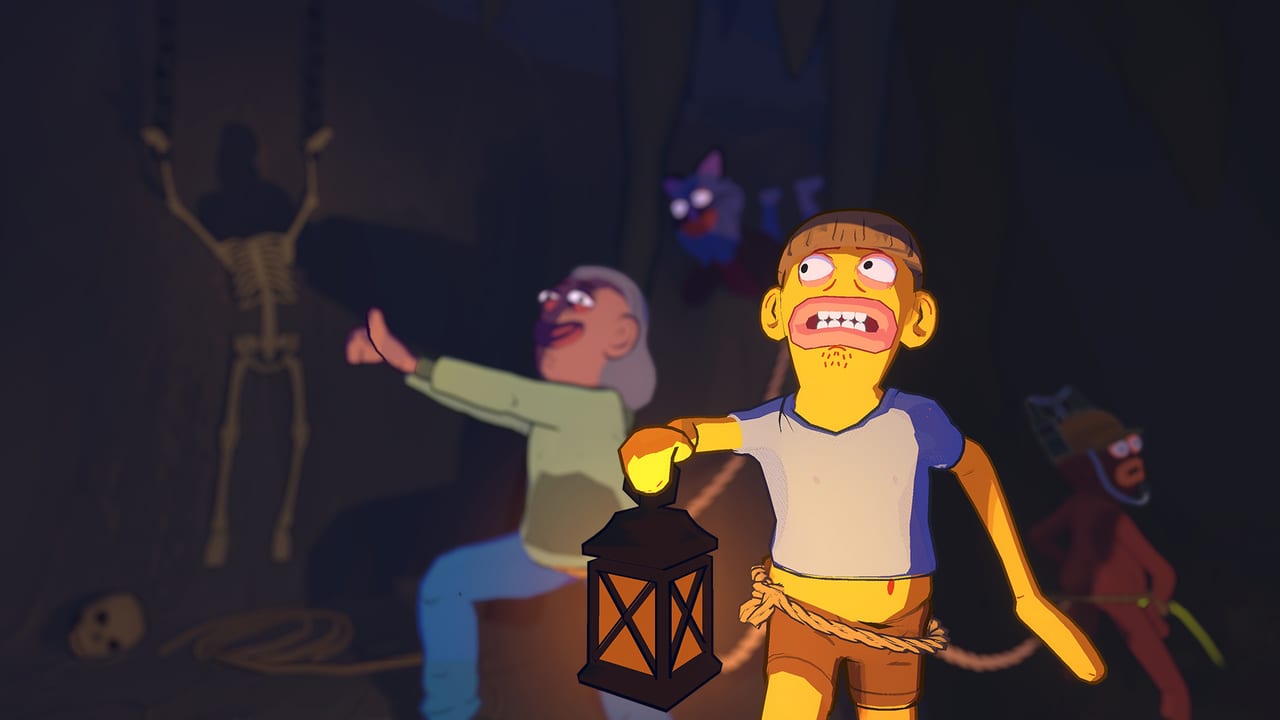
Friendly Steps is a control problem dressed as a night out. If the mapping feels wrong, every bridge is a wipe. If the mapping feels boring, you are finally walking. This page is the input sheet for keyboard, mouse, and gamepad. Pair it with How to walk for physics and with Getting Started for the first-session plan.
The developer tutorial is fifteen seconds and it is still the best summary: hold the left button to lift the left leg, press the right button to drag the right one. Streamers then add the missing half of the sentence — keep a forward key held and tap those buttons in a small rhythm instead of slamming both at once.
Keyboard and mouse
Public sessions from SMii7Y, Mithzan, and KYRSP33DY converge on the same PC layout:
| Action | Typical PC input | What it is for |
|---|---|---|
| Lift left leg | Left mouse button | Plant or swing the left foot |
| Lift right leg | Right mouse button | Plant or swing the right foot |
| Walk forward | W or the forward key, held | Turns taps into steps |
| Look / aim a limb | Mouse move | Line a foot onto a plank |
| Pull a teammate | E while looking at them | Drag a hanging body back onto the rope |
| Crouch / crawl | Crouch bind shown in-game | Recover when standing is impossible |
| Shout / stumble | Space in several builds | Comedy, not a jump pad |
The walk is not “press W.” W without taps is a lean. Taps without W are marching in place. You need both. SMii7Y’s coaching line is the one to steal: hold W and tap the mouse, left and right, in short clicks. When one foot is already on a safe board, double-tap or triple-tap the other button until that foot arrives beside it. Do not wind up a huge stride to “catch up.” Huge strides rotate the hips, yank the rope, and put four people in a ditch.
If you are aiming a foot onto a thin beam, stop holding forward for a beat. Lift, aim, plant, then resume taps. The mouse is a pointer for soles, not a camera-only stick.
Gamepad
Mithzan’s controller session used left/right face or stick inputs plus triggers, one trigger per leg. Steam lists full controller support, DualShock compatibility, and Steam Deck as unknown. Expect:
- One trigger or bumper per leg.
- Left stick for facing and the “forward” hold.
- A face button for pull, matching keyboard E.
- A face button or stick click for crouch.
Gamepad players usually walk smoother because analog pressure makes smaller steps easier. Keyboard players usually aim feet onto pixels better. In mixed lobbies, put the gamepad user in the middle of the rope so their stable rhythm damps the mouse users at both ends.
Demo patch 1.4.4 specifically improved gamepad navigation in the skin shop and skipped non-interactable items, so the wardrobe UI is playable with a pad even if walking still needs practice.
Pull, crawl, and the inputs people miss
The rope is a physics object. When a friend goes over a rail, walking harder does not save them. Look at the hanging player and use the pull input. KYRSP33DY’s lobby discovered E while staring at the slack. If nobody looks at the victim, the rope just becomes a pendulum.
Crawl is the reset. Once two or more bodies are horizontal, standing inputs fight each other. Crouch, get knees under hips, then stand one person at a time from the front of the rope to the back. The co-op guide covers the callouts.
Space is a trap. Several groups spam it hoping for a jump. In the builds they played, it produced a yell or a twitch. Treat vertical gaps as walk-and-plant puzzles, not platforming jumps. Construction cranes and Tornado ledges punish anyone who still thinks this is a hop game. See Construction and Tornado.
Sensitivity, sitting, and hands
Lower mouse sensitivity until you can tap without dragging the camera off the next plank. Sit so both mouse buttons are equal citizens; a lot of FPS players rest a finger on left click and forget right click exists. If your right hand tires, swap to a controller for the next street.
Bind pull to something you can hit without dropping a mouse button. If pull shares a mouse button, you will punch a teammate instead of saving them.
Practice drill before you invite the group
Spend five minutes on flat ground:
- Ten tiny steps without falling.
- Stop with both feet parallel.
- Place the left foot on a curb, then bring the right foot up with extra taps.
- Fall on purpose, crawl, stand, walk again.
- Only then open a lobby.
When the drill is boring, you are ready for the walkthrough. When it is still comedy, stay on this page and the how to walk writeup until the taps are smaller than your pride.
The official tutorial clip in the middle of this page is short on purpose. It is the mapping. Everything after it is rhythm, which no fifteen-second video can install in your hands.
Frequently Asked Questions
Quick answers to the most common Friendly Steps questions.
What is the default walk on PC?
Hold a forward key and tap left click then right click for each step. The official line is left button for the left leg and right button for the right leg.
Is there a jump button?
Do not count on Space as a jump. Public sessions treat it as a shout or stumble. Cross gaps by planting feet, or crawl. Vertical maps are in Construction.
How do I pull a friend back up?
Look at them and use the pull input (E in several PC sessions). Walking forward while they hang usually drops you too. Details are in the co-op guide.
Should I use a controller?
Yes if you want smaller analog steps. Keyboard is better for aiming a foot onto a beam. Mixed lobbies work. Steam lists full controller support.